
All versions · Published 2026-10-27
What’s new in 1.76.0: learn related words together with Word Clusters
Handy 990 1.76.0 introduces Word Clusters: compare word families, confusable words, topic groups, and words and phrases with similar meanings, then recall them one card at a time. Here’s where to find it and how to choose your first group.
Vocabulary does not have to be a procession of unrelated words. Members of a word family share clues in their forms and meanings. Our Word families view offers another way to learn vocabulary: put those clues side by side before studying the individual words.
TOEIC also likes to change the wording. A passage or recording uses one word; an answer option expresses the same idea with a different word or phrase. You recognize postpone, but put off or push back might make you hesitate. We built Synonym clusters to help you recognize these different ways of expressing an idea.
Word Clusters is the larger module that brings these approaches together. Its submodules let you choose a group of related words or phrases, compare their meanings and usage, then study and review them together. Fewer dictionary tabs to open—and fewer chances to forget what you were looking up.
These instructions use the English app interface. Follow along once your store offers the 1.76.0 update.
These screens use demonstration data. Your progress reflects your own learning record, and fonts and layout may vary by device. Select an image to view its original size.
Where to start: Practice → Word Clusters
- Open the vocabulary learning area from Home.
- Select Practice.
- Open Word Clusters. There is also a shortcut in Home’s new-features section.
You will find three tabs:
| Tab | What it does |
|---|---|
| Cluster flashcards | Choose a word family, confusable group, or topic. Compare the meanings, then study the cards. |
| Synonym clusters | Compare words and phrases that convey similar meanings, with examples showing different ways to describe the same situation. |
| Maps & exercises | Reach the existing word comparisons, word maps, theme maps, and short exercises. |
Word Clusters is currently marked Beta. These group-learning and comparison features are free and do not require Pro.
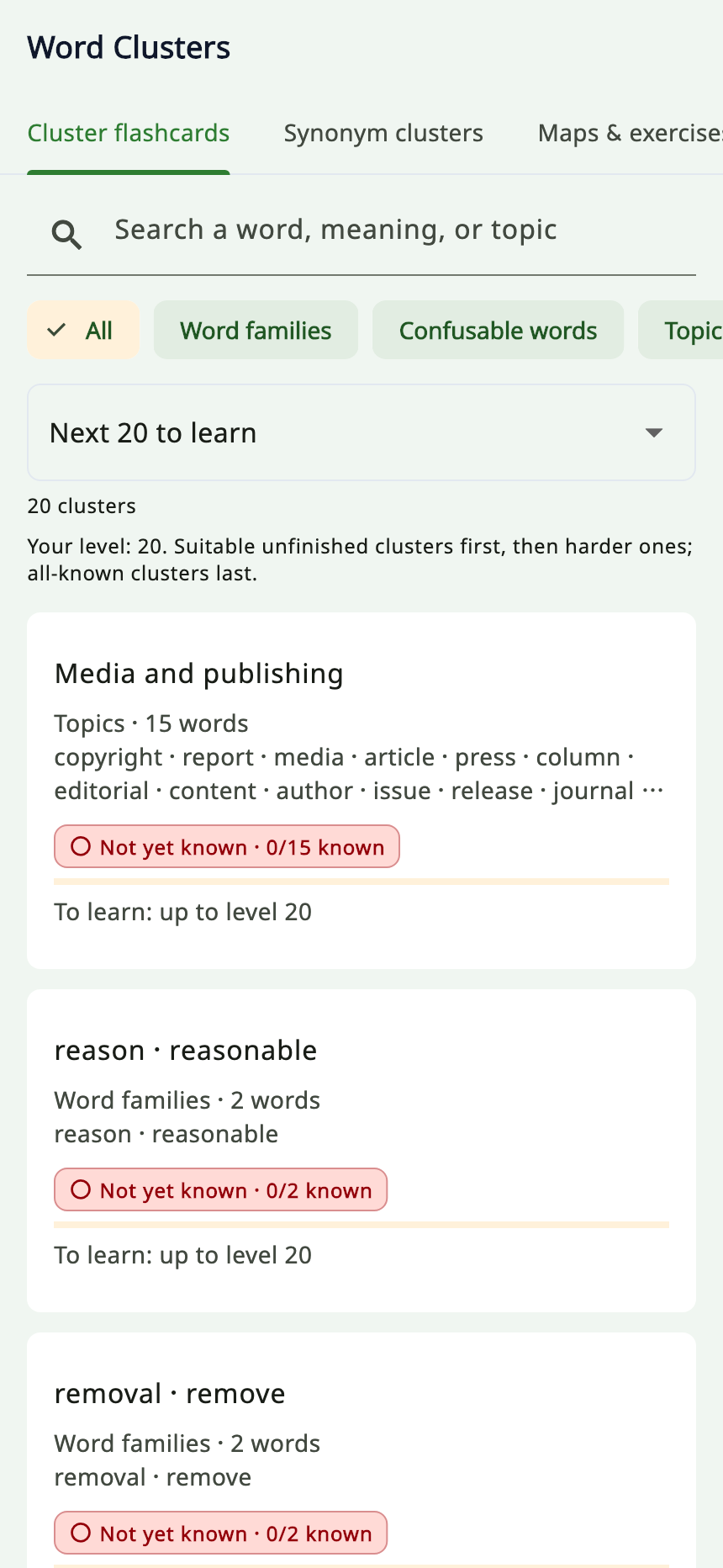
Choose a group from Next 20 to learn to get started. The progress shown is demonstration data.
Cluster flashcards: compare first, then study
The Cluster flashcards tab has three categories:
- Word families: related word forms, shown together.
- Confusable words: words that are easy to mix up.
- Topics: words you may encounter in the same subject or situation.
Choose a category, or use  to search by word, meaning, or topic.
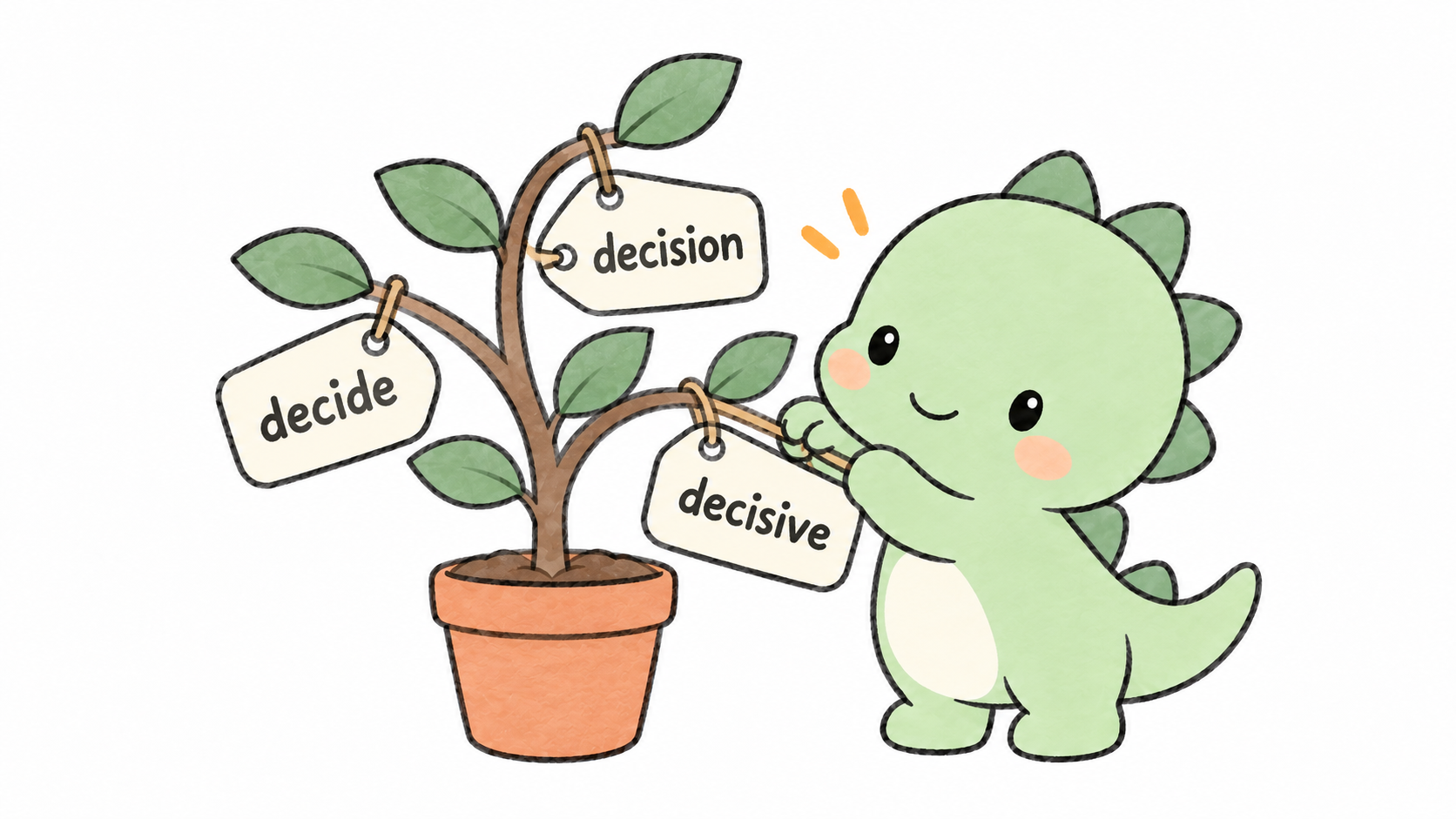
Compare related forms together, while noticing their different meanings and grammatical roles.
Start with the overview
Open a group to compare its words, parts of speech, meanings, and current learning status.
Pause before moving on. Which word describes an action? Which names a person, object, or state? Have you been treating two of them as if they were the same word?
Select  Study this cluster to work through that group’s cards. The cards show your position and the word’s meaning in this particular group.
Words you already know can remain in the group for comparison. Use  Mark as known for a word you no longer need to practice, and use Undo if you marked it by mistake. The group reflects the saved change.
These views use your existing vocabulary learning records. Studying through a different entrance does not mean starting your progress over.
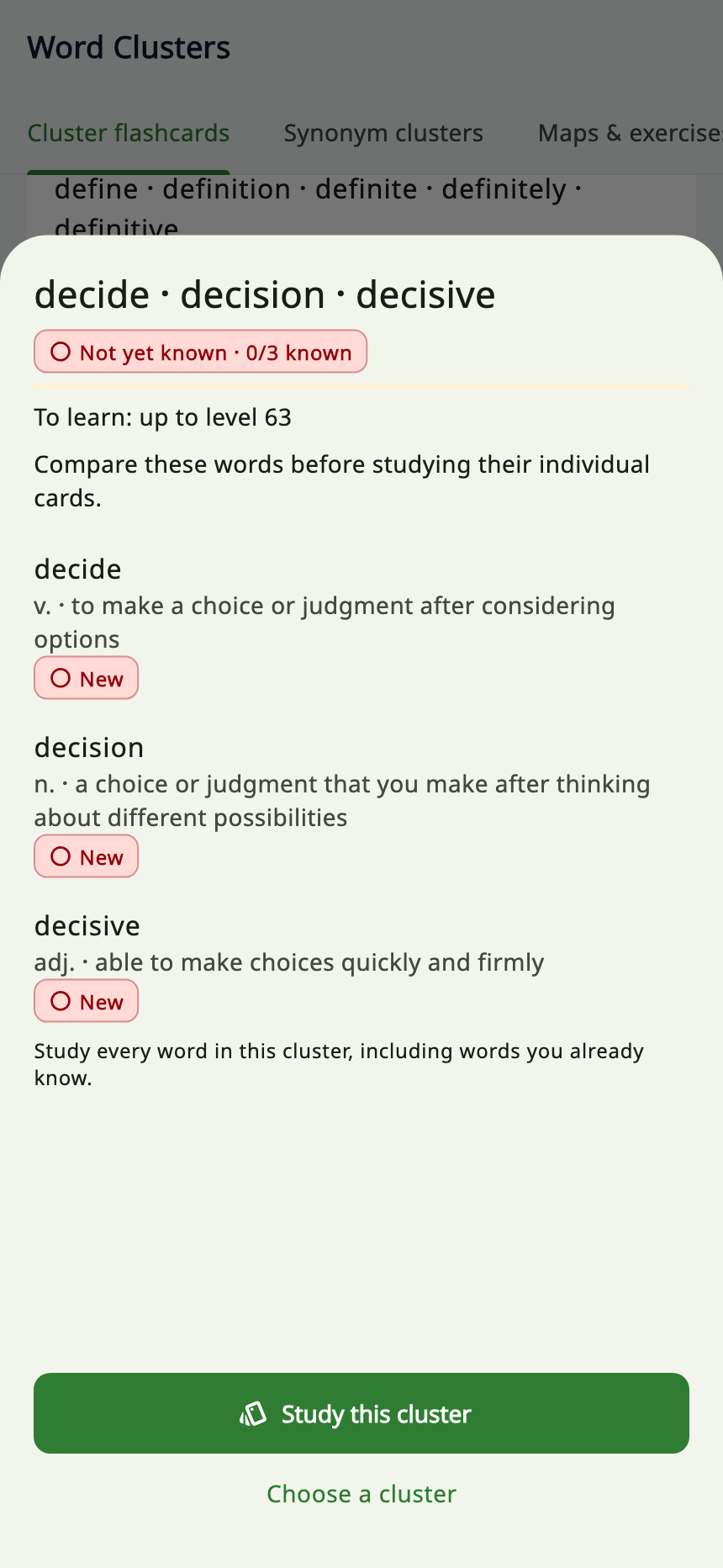
Compare the meanings and parts of speech before starting the group’s cards.
Synonym clusters: words and phrases at the same table
Search the Synonym clusters tab by an English word, phrase, or meaning. Version 1.76.0 includes 361 clusters, with individual meanings, examples, and usage notes.
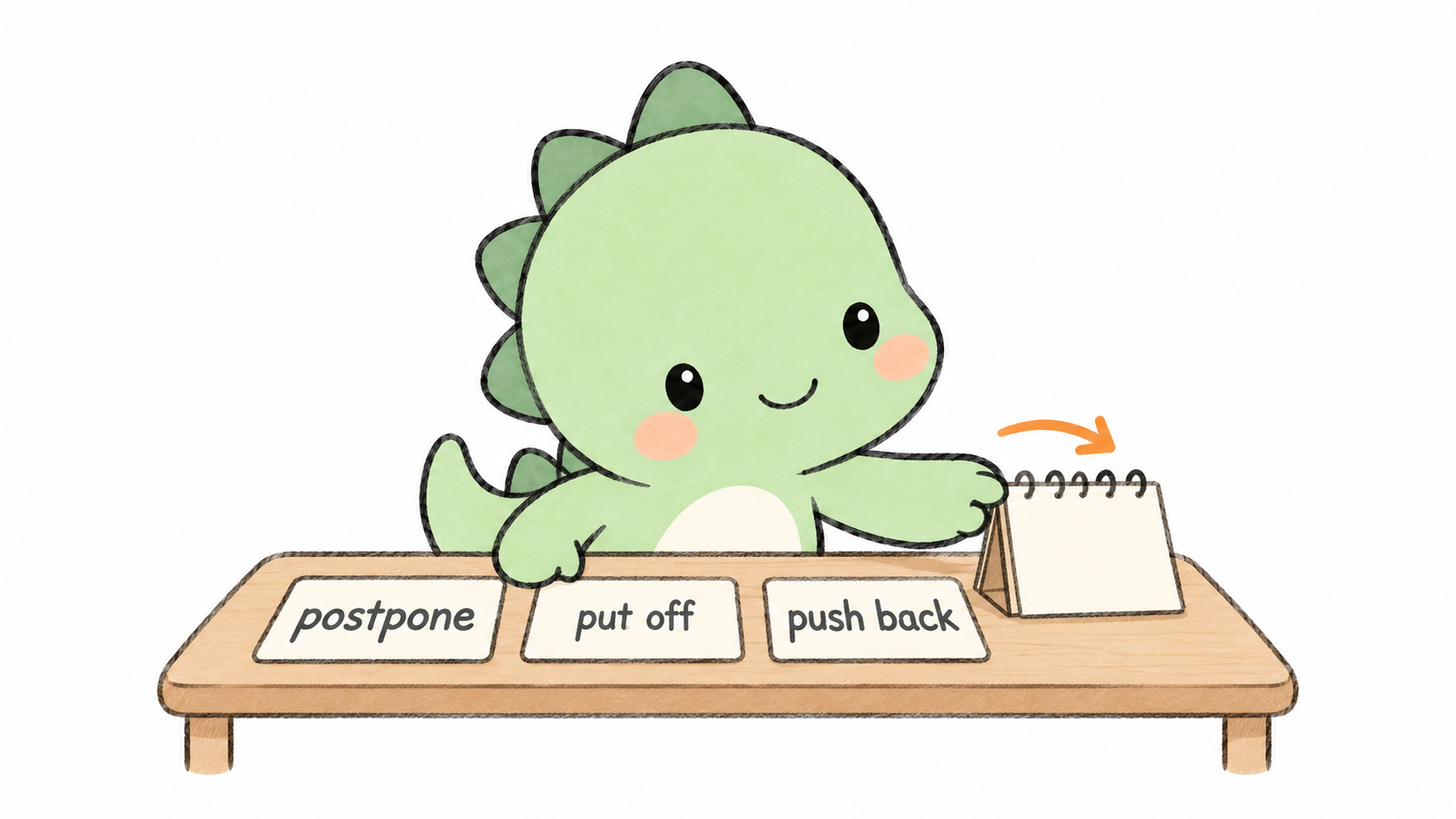
Compare ways to postpone an event in the same context, while checking grammar, formality, and appropriate usage.
One group compares ways to postpone an event:
| Expression | The same meeting situation |
|---|---|
| postpone | We will postpone the meeting until next Monday morning. |
| put off | We will put off the meeting until next Monday morning. |
| push back | We will push back the meeting until next Monday morning. |
All three sentences move the meeting to next Monday morning. The usage note also points out that put off and push back are more conversational than postpone.
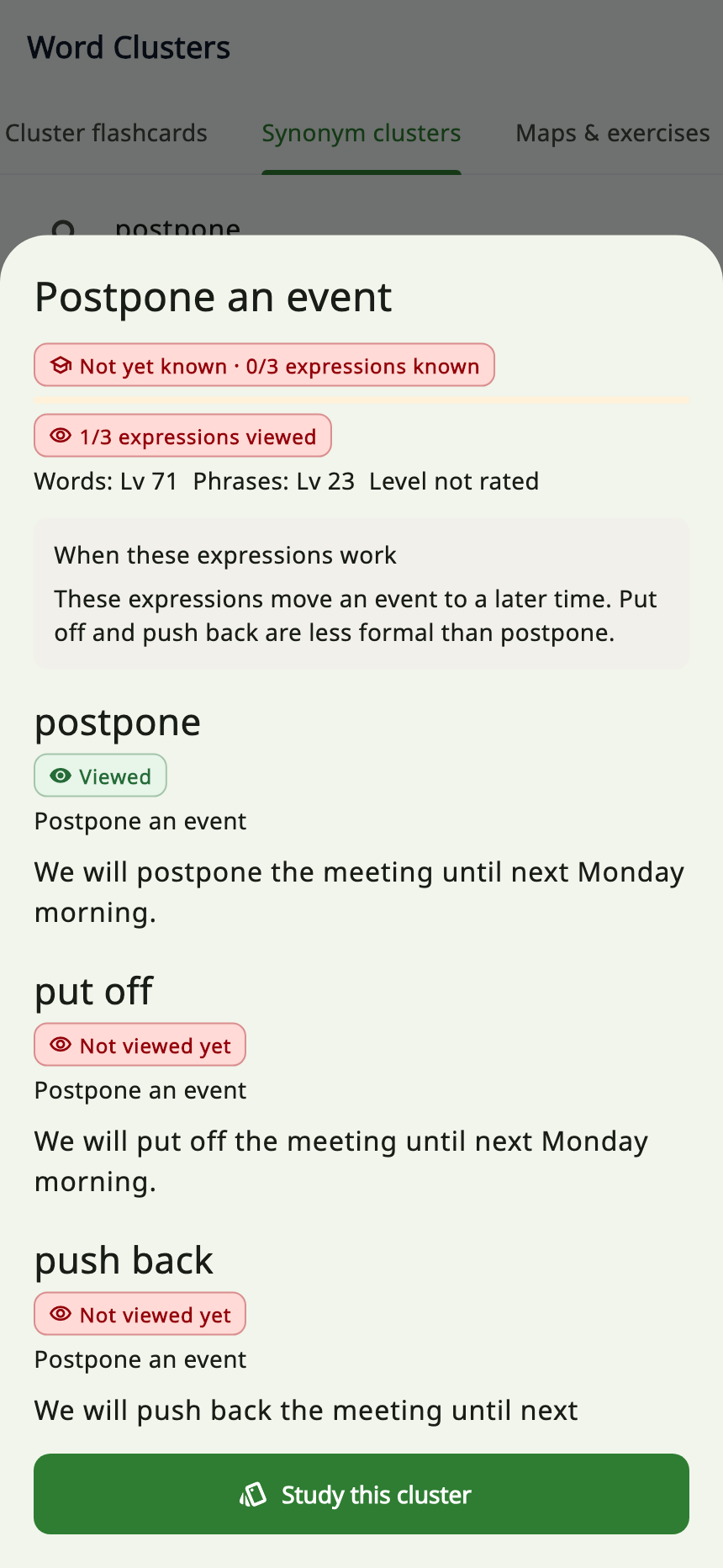
Compare different ways to describe the same meeting situation, alongside the usage notes.
Recall before revealing
- Open a group and read the overview, examples, and When these expressions work.
- Select Study this cluster.
- Try to recall the expression’s meaning and another way to express the same idea.
- Select Show meaning & examples to check it.
- Use Next expression to finish the group, then Choose another cluster.
Read the usage notes too. Similar meanings can come with different grammar, levels of formality, and contexts. Check the construction before substituting an expression into a new sentence.
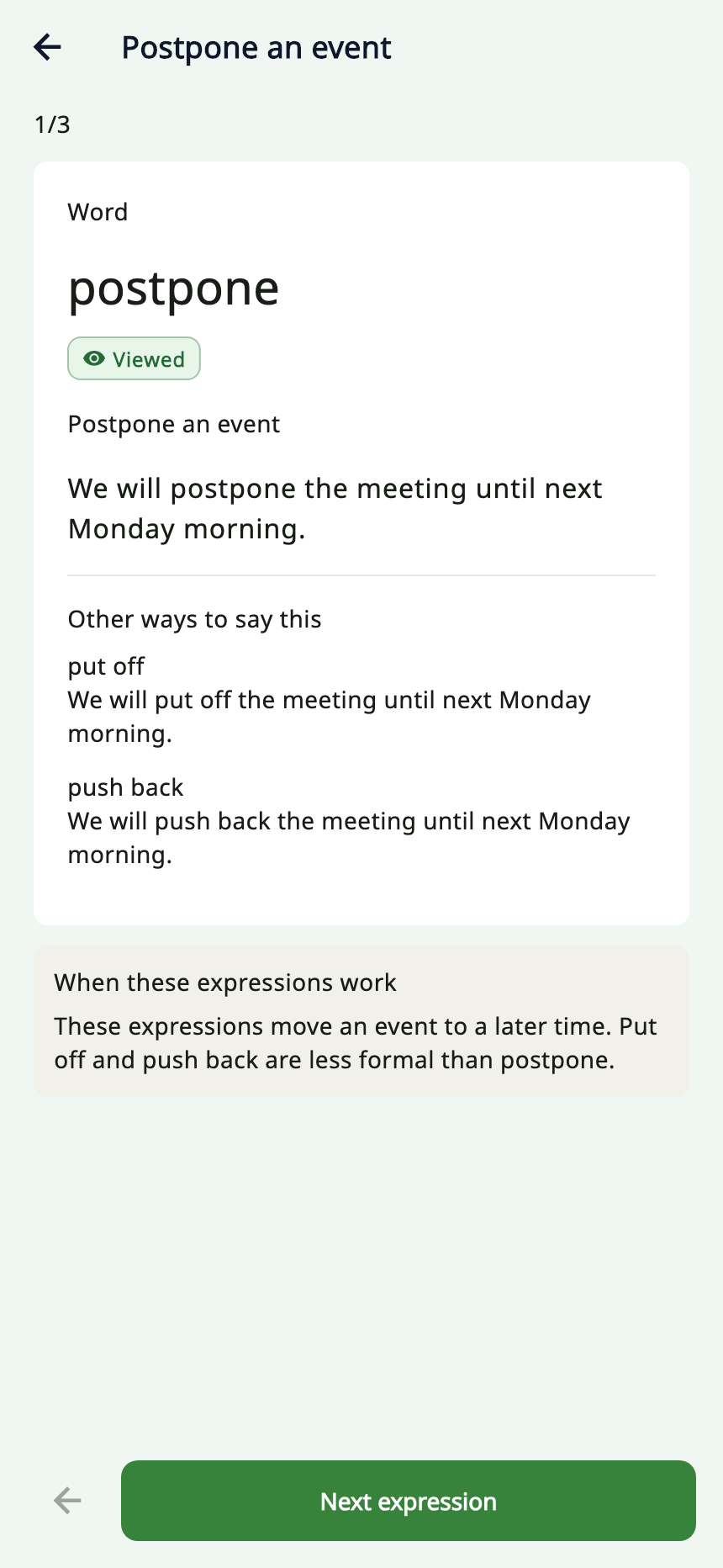
Recall first, then select Show meaning & examples to check. This screen shows the revealed answer.
Viewed and Known are separate
The screen shows viewed expressions separately from known expressions. Displaying an expression card records a view; known status comes from the existing word and phrase learning records.
You can browse a whole group and return to the unfamiliar expressions later. Turning a card does not tell the app that you have mastered it.
Not sure where to begin? Try Next 20 to learn
Both Cluster flashcards and Synonym clusters initially select Next 20 to learn. Your learning progress helps bring suitable groups that are not fully known toward the top.
| Scope | When to use it |
|---|---|
| Next 20 to learn | Pick from a shorter list when you want to get started. |
| All | Browse freely or look for a particular topic. |
| Known | Revisit groups whose members are all known or mastered. |
| Reviewed recently (7 days) | Find groups you have recently viewed or practiced. |
Twenty is the size of the selected list, not a daily learning limit. Switch to All to see the complete selection.
Search and category filters affect the results too. The displayed cluster count is the number remaining after those filters and the selected scope. If something seems missing, check the search and scope first.
Words and phrases have separate level progressions. Synonym clusters consider each one against its own progression rather than treating their level numbers as interchangeable.
Existing maps and quizzes are under Maps & exercises
The existing comparison, word-map, and theme-map activities are now grouped under:
Vocabulary → Practice → Word Clusters → Maps & exercises
The word-pair comparison and quiz screens also offer scopes such as Viewed and Tested. Quizzes use the pairs in your selected scope.
Viewed means that you have seen the comparison. Tested means that you have answered a question about the pair, even if the answer was wrong. Neither badge alone proves that you can distinguish the words correctly.
The pair-comparison Viewed hint does not use Handy account sync. It is separate from the ordinary expression-card exposure records used by Synonym clusters.
Another helper: save the meaning you actually encountered
When you open a word lookup from a passage or question and save a word with several meanings, you can choose which meaning to keep. Your library list and saved-word cards show that selection.
Select  Saved meaning in the lookup sheet to change your choice without removing your notes or collection memberships. The choice applies to the saved material; ordinary vocabulary exercises and Smart Review continue using their authored questions and meanings.
Your first visit: one small learning loop
- Open Word Clusters → Cluster flashcards, and choose one of the Next 20 to learn.
- Compare the overview, then select Study this cluster.
- Return to the list and check which words are familiar and which need another look.
- Open Synonym clusters and search for postpone. Before revealing the cards, try to recall the other two expressions.
- Use Reviewed recently to return to groups you want to revisit.
The group content and text come with the app and can be read offline. Pronunciation, images, and other audio retain their existing download and connection requirements.
In Handy 990, start at Vocabulary → Practice → Word Clusters. For other app questions, visit the FAQ.